Tired of juggling multiple apps just to watch live TV, movies, and series? IPTV Smarters Pro puts them all in one sleek, easy-to-use player.
It doesn’t sell you channels, it simply plays content from your existing IPTV subscription. And it works on almost any device: phone, tablet, TV, or PC.
Worried about legality? The app itself is legal; the key is using it with licensed, legitimate IPTV sources.
In this guide, you’ll learn everything from installation to advanced features, troubleshooting, and performance tips so you can stream without frustration.
Table of Contents
ToggleWhat You Need Before Getting Started
You only need a few things to use IPTV Smarters Pro. Here’s a quick checklist.- A valid IPTV subscription. The app is just a player. It doesn’t provide channels or movies. You must add your own, legal content source.
- Login details in the right format. Smarters supports M3U playlists and JSON playlists. It also works with Xtream Codes API (username, password, and server URL) from many providers.
- A compatible device. Smarters runs on iPhone, iPad, Apple TV, Mac, Android/Android TV, Fire TV/Firestick, Windows, and a web player. (Samsung/LG TV apps are limited; availability varies by model and region.).
- Stable internet. Aim for at least 5–8 Mbps per HD stream and 20–25+ Mbps for 4K. Faster plans help if several devices are online. Wired is best when possible.
- Optional: a VPN. Some users add a VPN to reduce throttling and improve privacy, especially on Fire TV or Android.
- Legal note. Smarters is a standalone media player. It does not host, sell, or promote content. Always use licensed sources in your country.
How to Install IPTV Smarters Pro (by Device)
Amazon Fire TV / Firestick
IPTV Smarters Pro isn’t in the Amazon App Store, so you’ll sideload it using the Downloader app:
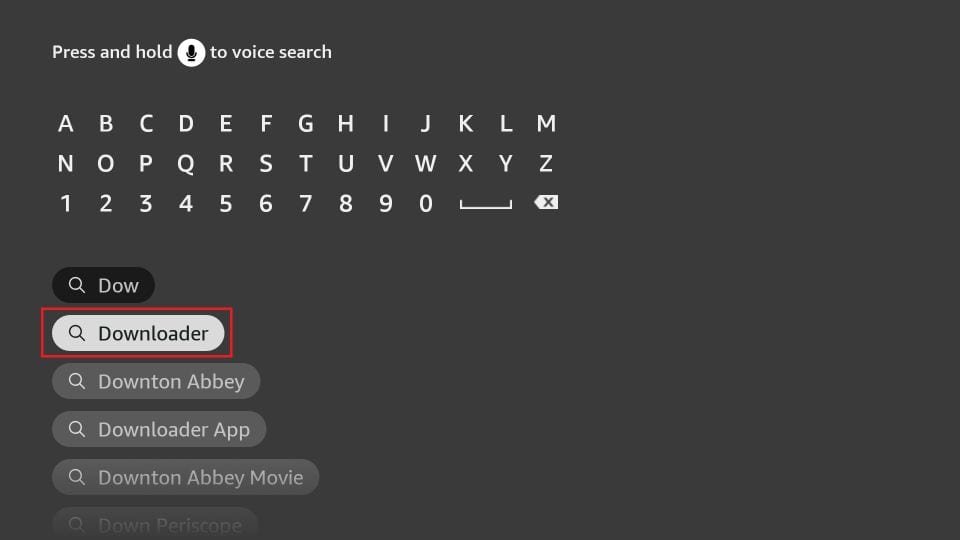
- From the Firestick home screen, select Find → Search, and install the Downloader app.
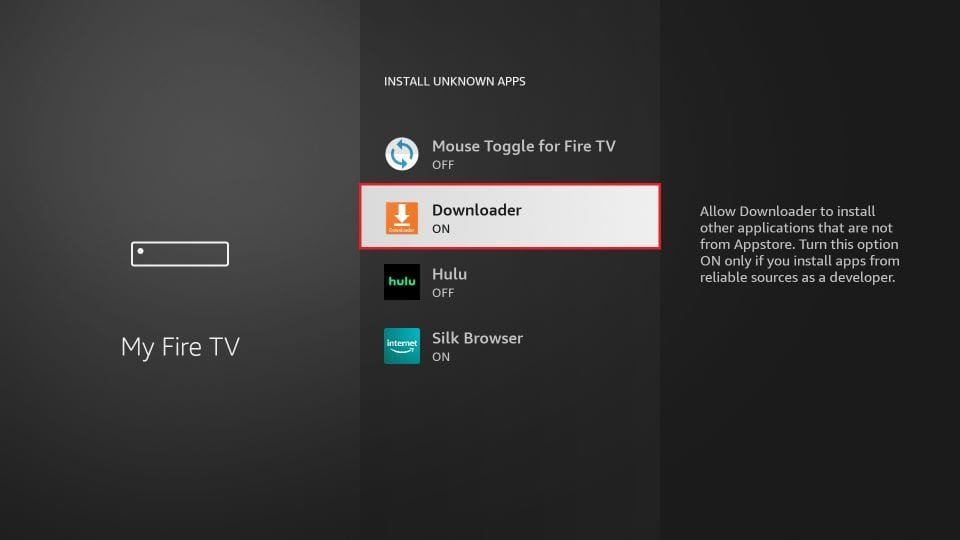
- Go to Settings → My Fire TV → Developer Options, then enable Install Unknown Apps for Downloader.
On older devices, you may see Apps from Unknown Sources—enable that instead.
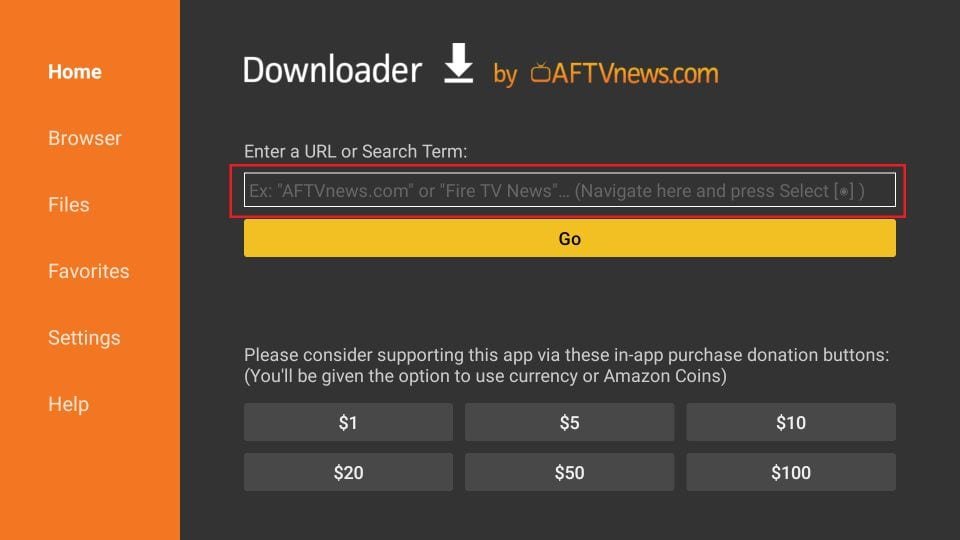
- Open Downloader. In the URL field, enter the official APK link: https://www.firesticktricks.com/smarter (or firesticktricks.com/smarter) and click Go.
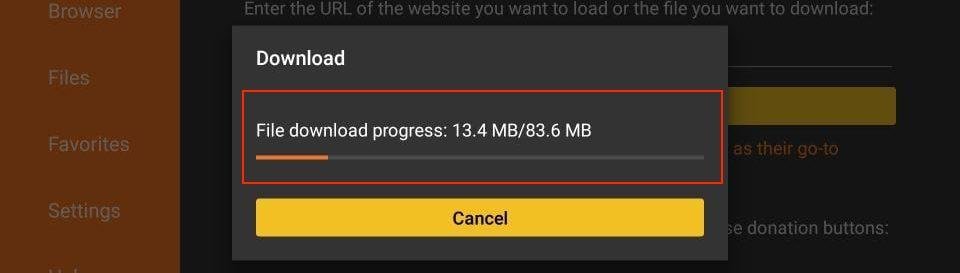
- Wait for the APK to download.
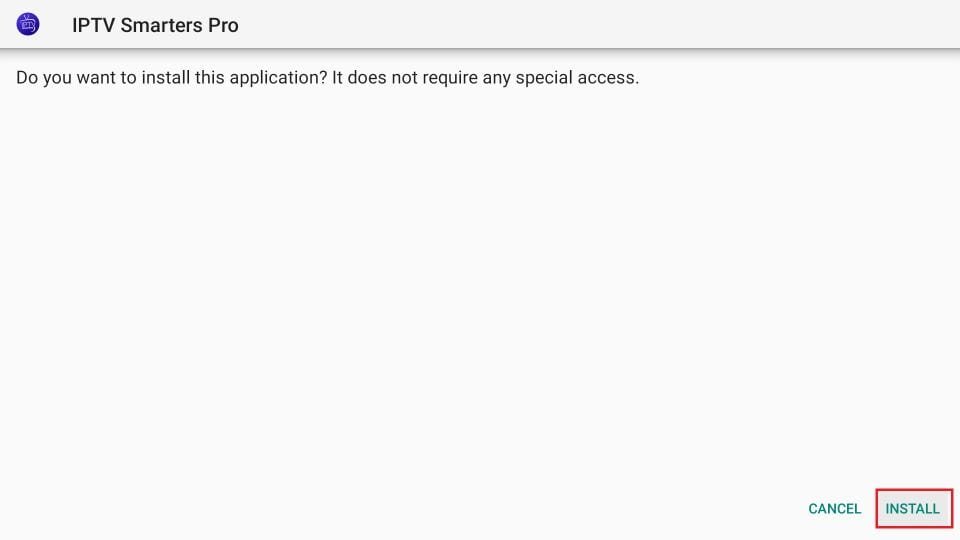
- When prompted, click Install.
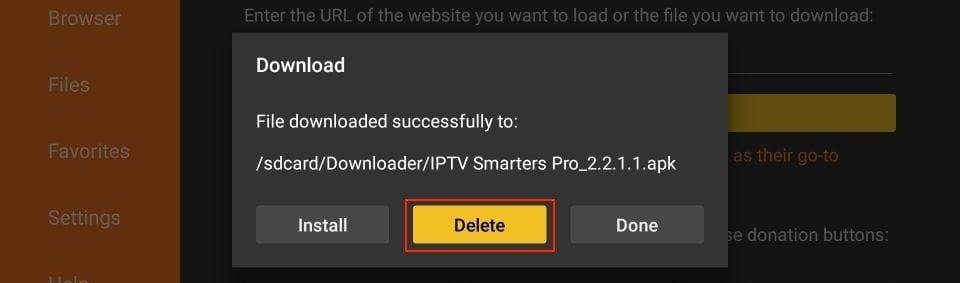
- Once installed, choose Open to launch the app or Done to exit. Consider deleting the APK via the Downloader interface to save space.
- Optionally, move the app to your home screen for easy access, press the Menu button on your remote and select Move.
Android Phones, Tablets & Android TV Devices
- Open Google Play.
- Search “Smarters Pro.” Pick the app by Tech Smarters Private Limited.
- Tap Install → Open.
If Play Store doesn’t show it in your region:
- You can sideload the classic IPTV Smarters Pro APK (https://iptv-smarters-pro.en.uptodown.com/android) from a reputable repository. Enable Settings → Security → Install unknown apps, then install the APK.